18 Vintage Papers Photoshop Brushes
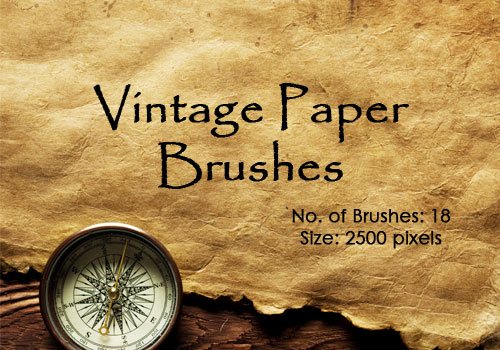
Here is a set of ultra high-resolution Photoshop brushes composed of scanned/photographed vintage papers that you can use as background in your designs. These vintage papers Photoshop brushes are ideal for achieving retro or faded look in your layout or artwork. There are a total of 18 vintage papers Photoshop brushes in this set with resolution of each Photoshop brush set at around 2500 pixels. Created in Adobe Photoshop CS3, these vintage papers Photoshop brushes should work with any CS version of Photoshop.
TERMS OF USE: As usual, you may use the vintage papers Photoshop brushes for personal, noncommercial projects. However, please refrain from making our vintage papers Photoshop brushes available for download outside of this site. If you want other people to know about our vintage papers Photoshop brushes, please refer them to this original post.
Please leave a comment if you happen to like these vintage papers Photoshop brushes or if you find them useful. Your comments will be greatly appreciated.
IMPORTANT!!!: Please refrain from redistributing these vintage papers Photoshop brushes, (i.e., downloading this set and making it available for download somewhere else). Also, HOTLINKING to the archived file is not allowed. Please refer to this post if you want to spread the word.
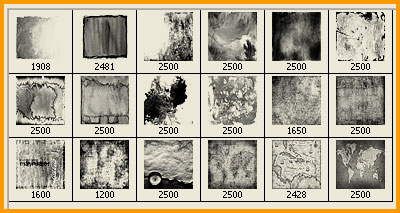
Below, you will have a preview on how these vintage papers Photoshop brushes would look like when installed in Photoshop:

Size: 39 MB
Type of file: .zip